Step 1 - Add the Content Query Web Part to the section where you want to display a table of contents.
Step 2 - Edit the web part and select the relevant site and subsites to be displayed.
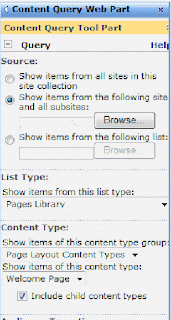 Step 3 - you may also select the following settings:
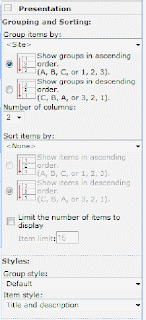
Step 4: Finally, you may also want to populate all default pages with a relevant title and description.
You can play around a little with how this looks but unfortunately there are limited default style options.
Fundi- Katya


 Posts
Posts

